PULSE Basics
Five short walkthroughs showing how PULSE works. No training manual, no hour-long session. Each section is under 30 seconds. You don't need to memorize anything — PULSE is built to teach you as you go.
What PULSE does
- • Pulls overnight data from Rent Manager — every number ready by 6 AM
- • Ranks what needs your attention — URGENT first, healthy at the bottom
- • Answers questions in plain English using real portfolio data
- • Structures your daily meetings — 15-minute huddle, same time, same format, every day
You don't open PULSE to do work. You open it to find work that's already been organized for you.
Sign in — that's it
Go to pulse.freedomgp.com and sign in with your @freedomgp.com Google account. No separate password. PULSE knows your role and lands you on your view.
- • Works on laptop, phone, tablet — same site
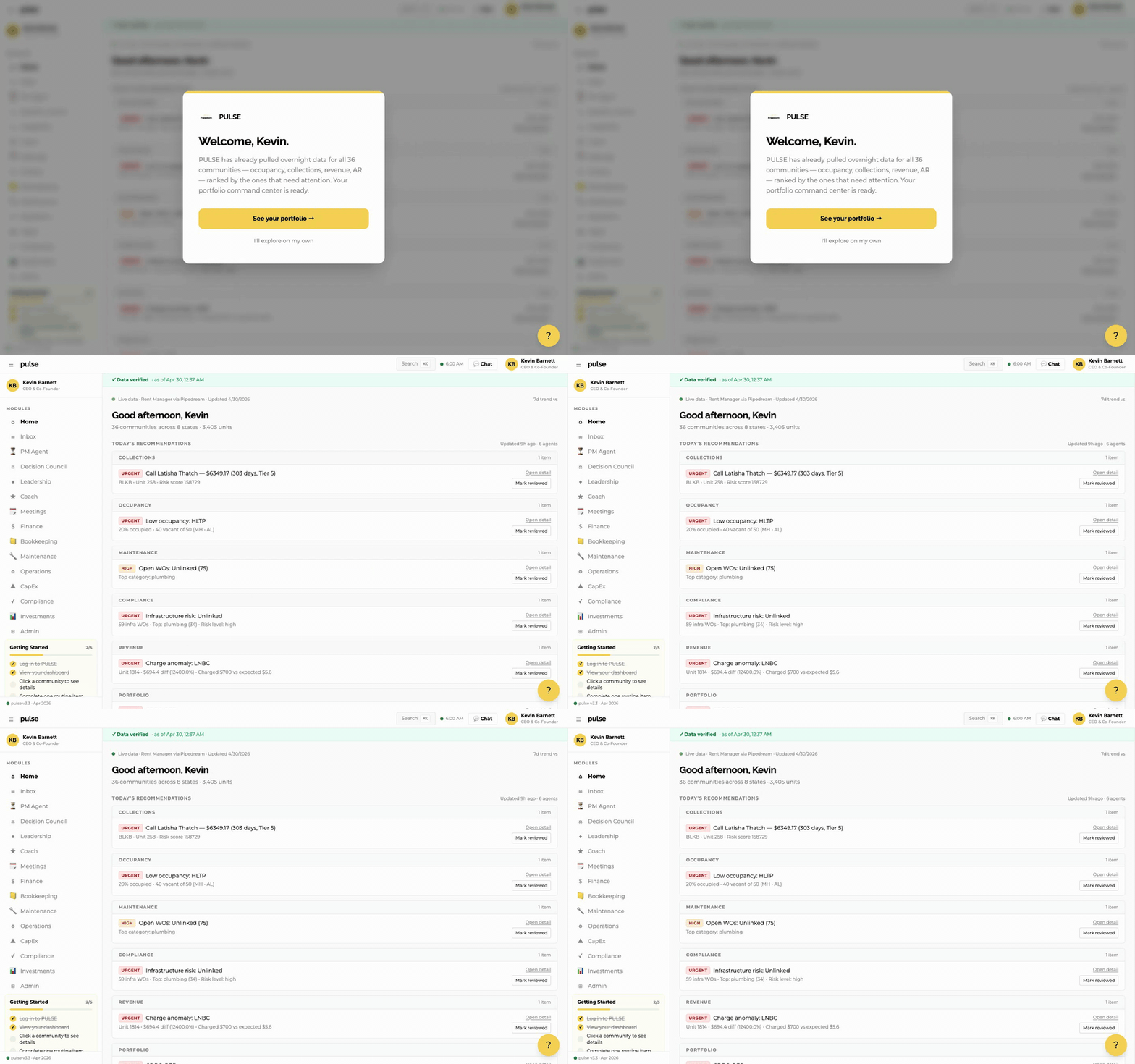
- • First time you log in, you'll see a quick welcome
- • Click "See your portfolio →" to start
Home — Today's Recommendations
Your home page is a stack of cards organized by category — Collections, Occupancy, Maintenance, Compliance, Revenue, Portfolio. Each card shows ONE thing that needs your attention, with two buttons: Open detail and Mark reviewed.
- • URGENT and HIGH tags show priority — work URGENT first
- • The list shrinks as you mark items reviewed
- • No need to read everything — pick the URGENT items
Click any community to drill down
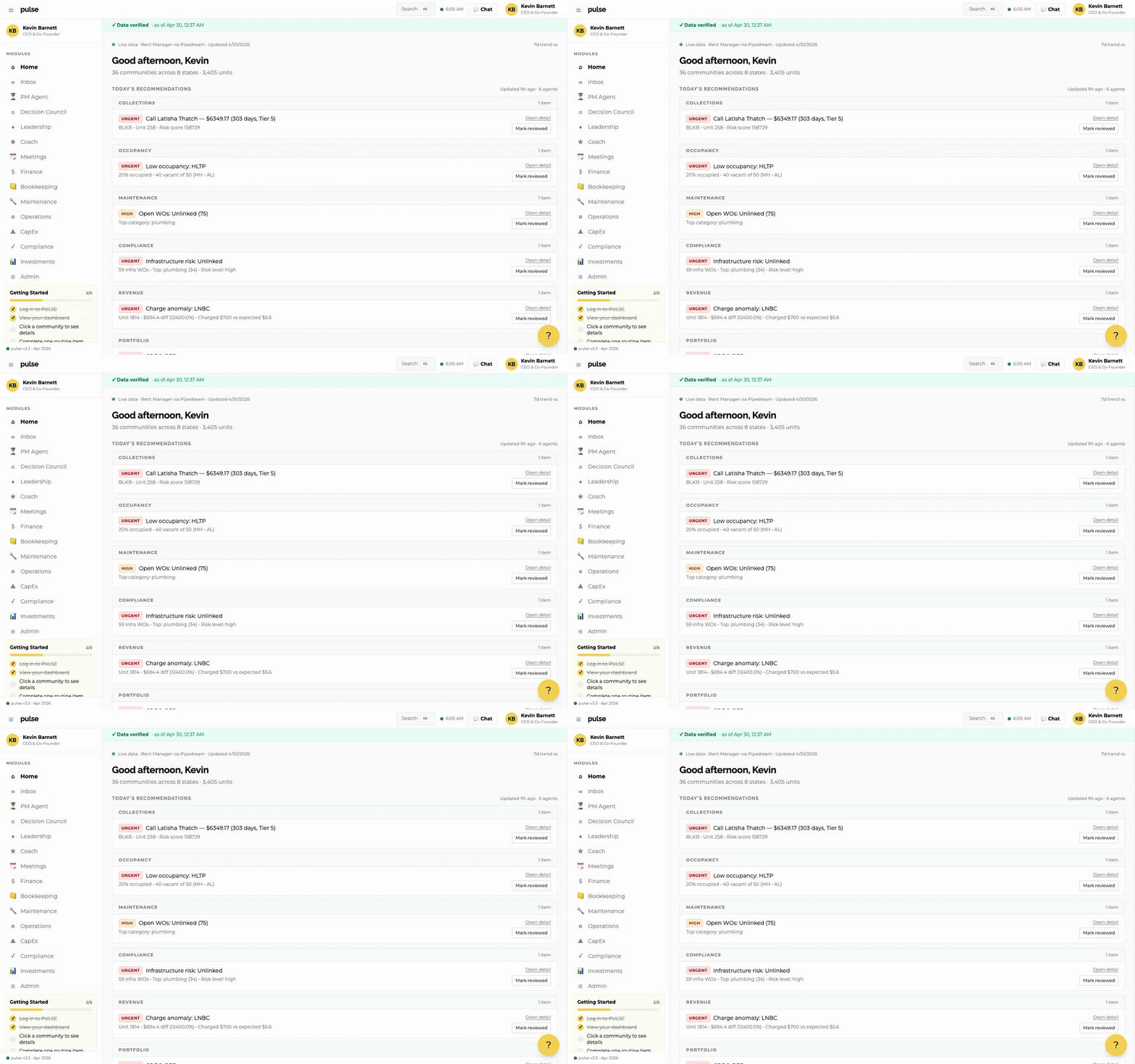
Click a community name (or "Open detail" on a card) and a panel slides in from the right with four tabs.
- • Overview — health score, occupancy, AR, vacancy opportunity
- • Actions — items needing your decision
- • Chat — ask anything about this community
- • History — trends over time
Ask PULSE anything
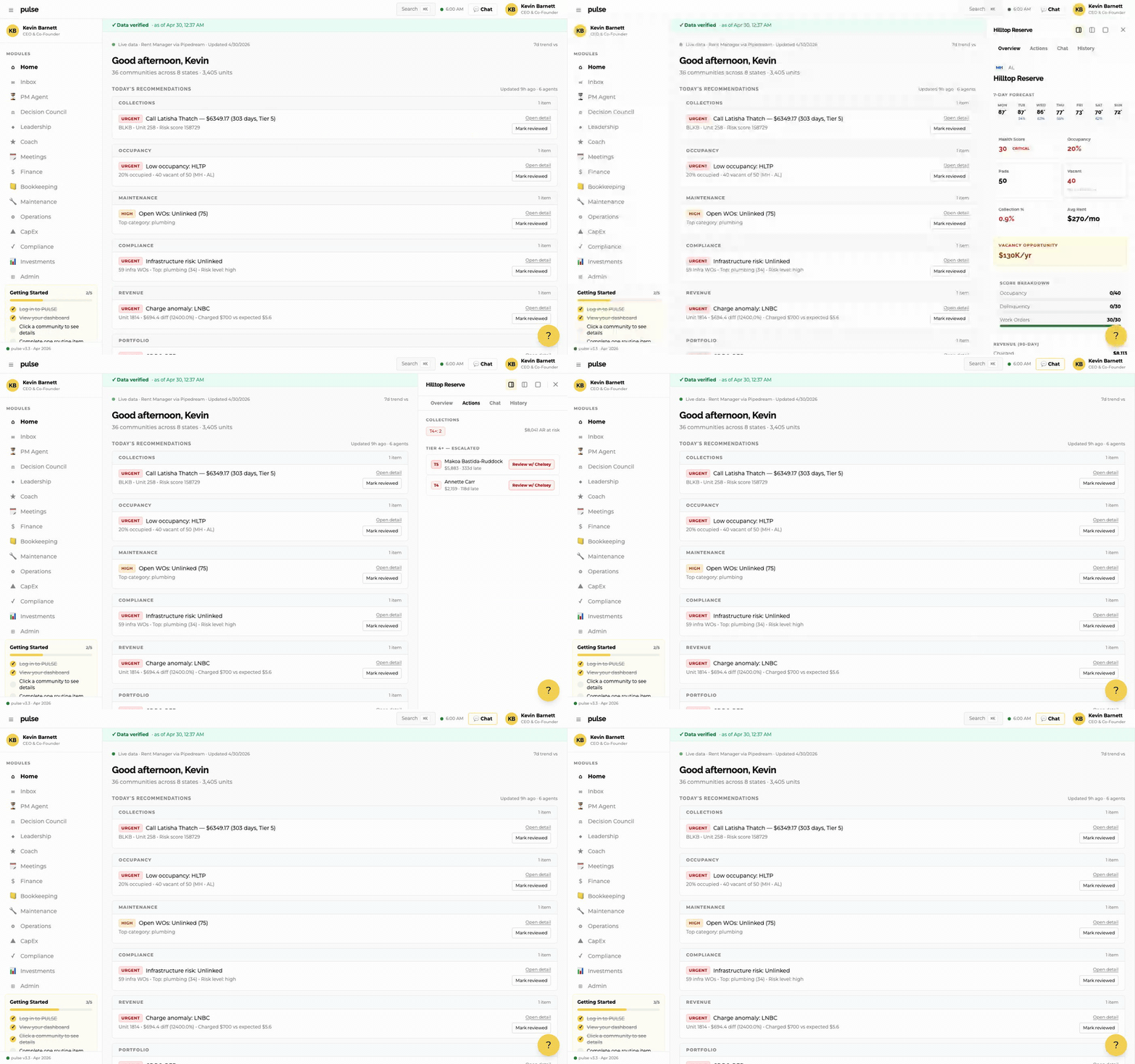
Click the Chat button (top right) or the Chat tab inside any community. Type any question in plain English. PULSE pulls real data from Rent Manager — not guesses.
- • "What should I focus on today?"
- • "Draft a collection notice for the highest AR account"
- • "How does Delphos compare to Blackburn on collections?"
- • Don't like the answer? Tell it. "Try again, but shorter."
Your daily routine
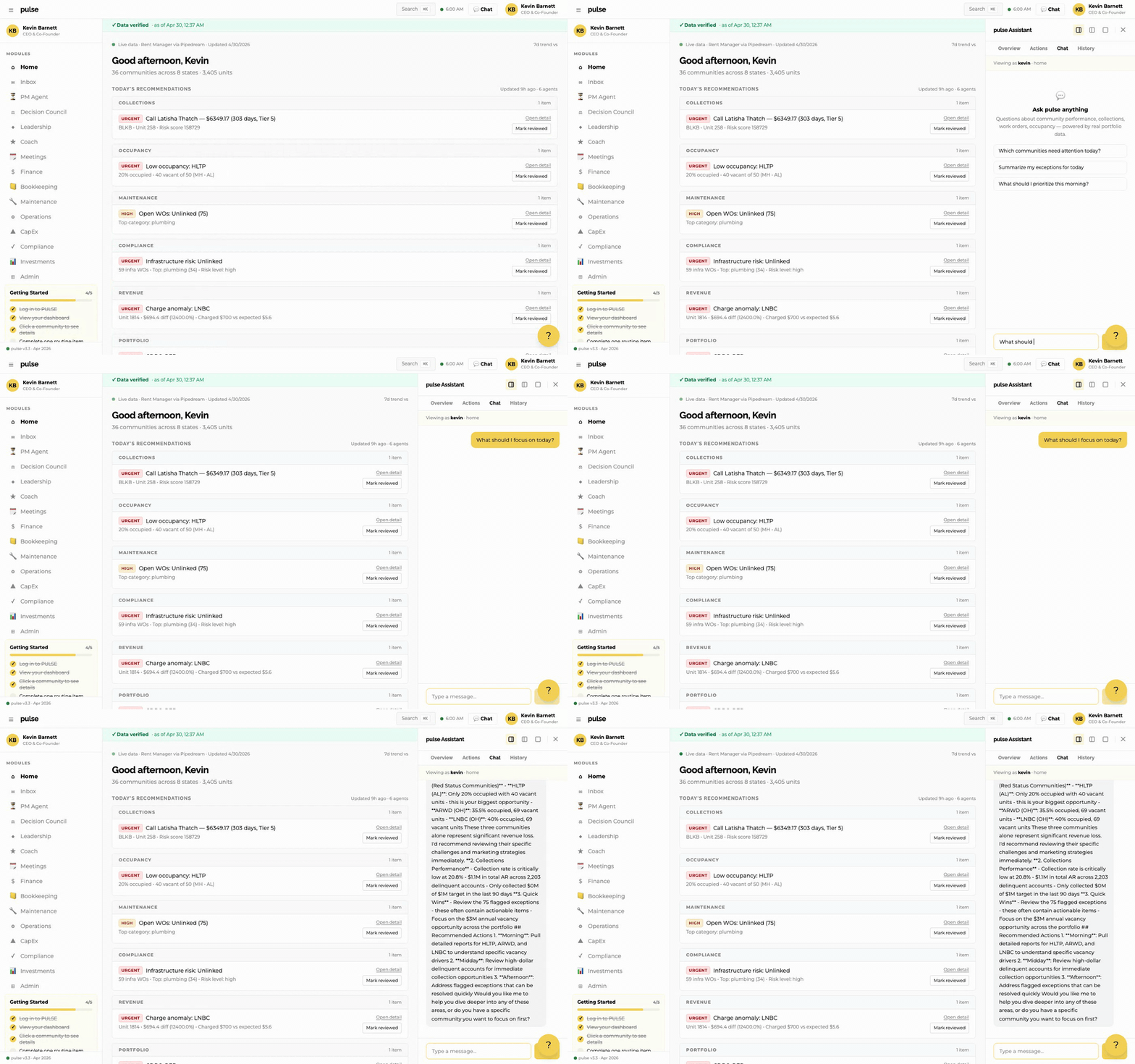
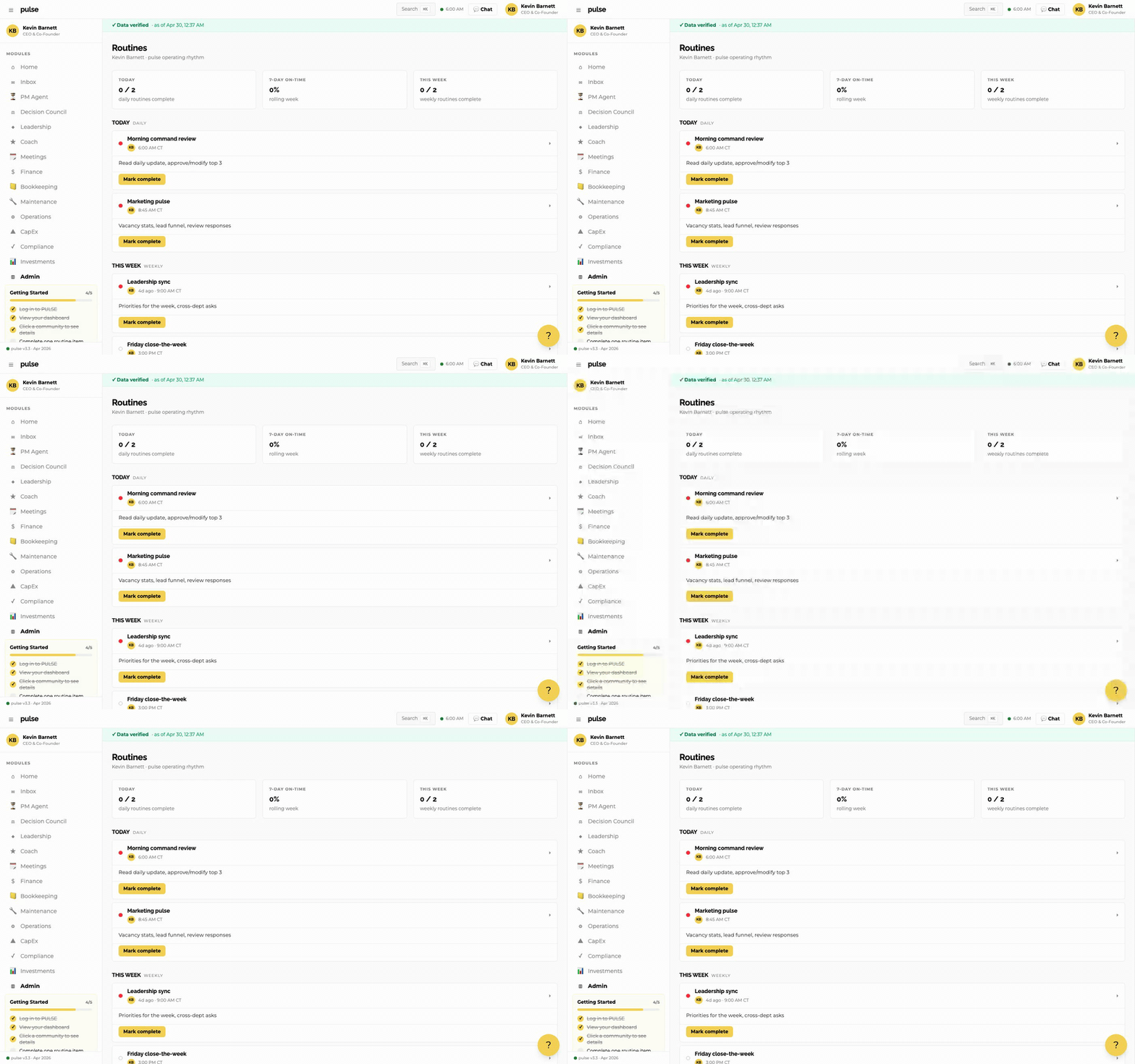
Click Coach in the sidebar (or Routines under Admin). You'll see your daily checklist — pre-built for your role. These are the things you already do every morning, now in one tracked place.
- • Click "Mark complete" as you work through items
- • Resets every morning — no overhang
- • Weekly routines tracked alongside daily
Coming up next
Each business day for the next four weeks, PULSE sends one short tip — Slack message in the morning, email when there's something deeper to share. Skim the schedule, dive into any topic from your inbox.
Tips arrive in #pulse-general on Slack and your @freedomgp.com inbox. Reply to any email with feedback or questions — they reach Kevin directly.
Ready to get started?
Your portfolio data is already loaded. Your daily routine is waiting. Open PULSE and see what needs your attention.